Get Started

AI Script to Video Maker

Drop in any script and turn it into a complete video with characters, scenes, storyboards, voiceovers, and background music in minutes.

Get Started for Free
Arcloop script-to-video production workspace

From Script to Video in 3 Steps

Explore Full Guides

Key Features of Script to Video

Understands Your Script

Understands Your Script

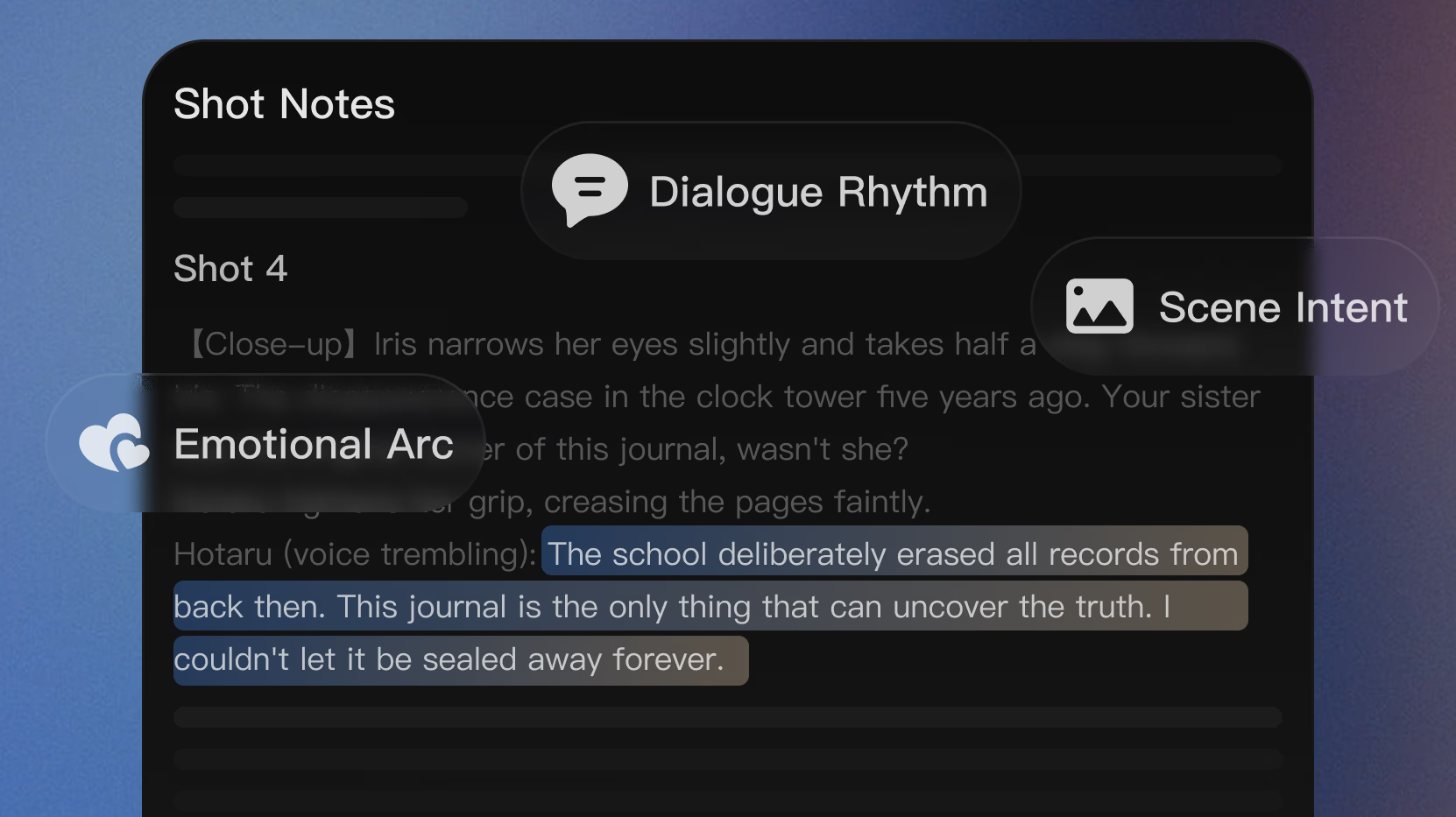
AI analyzes your script for characters, locations, dialogue, and scene intent, so each shot matches what is happening in the script.

Try It Now
Keep Visual Consistency

Keep Visual Consistency

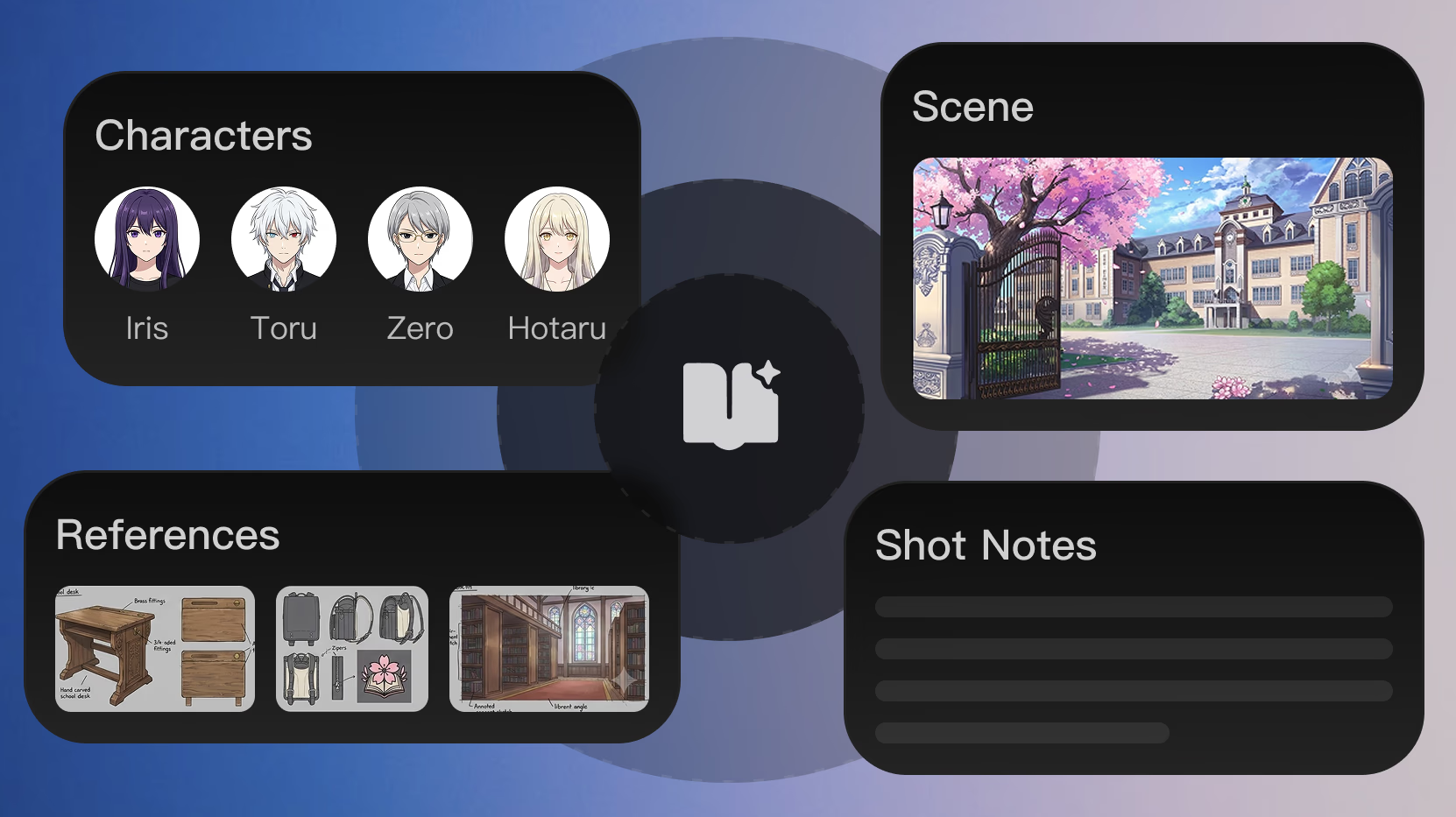
Lock in character looks, locations, and visual style so they stay consistent across every scene and video clip.

Try It Now
Edit Shot by Shot

Edit Shot by Shot

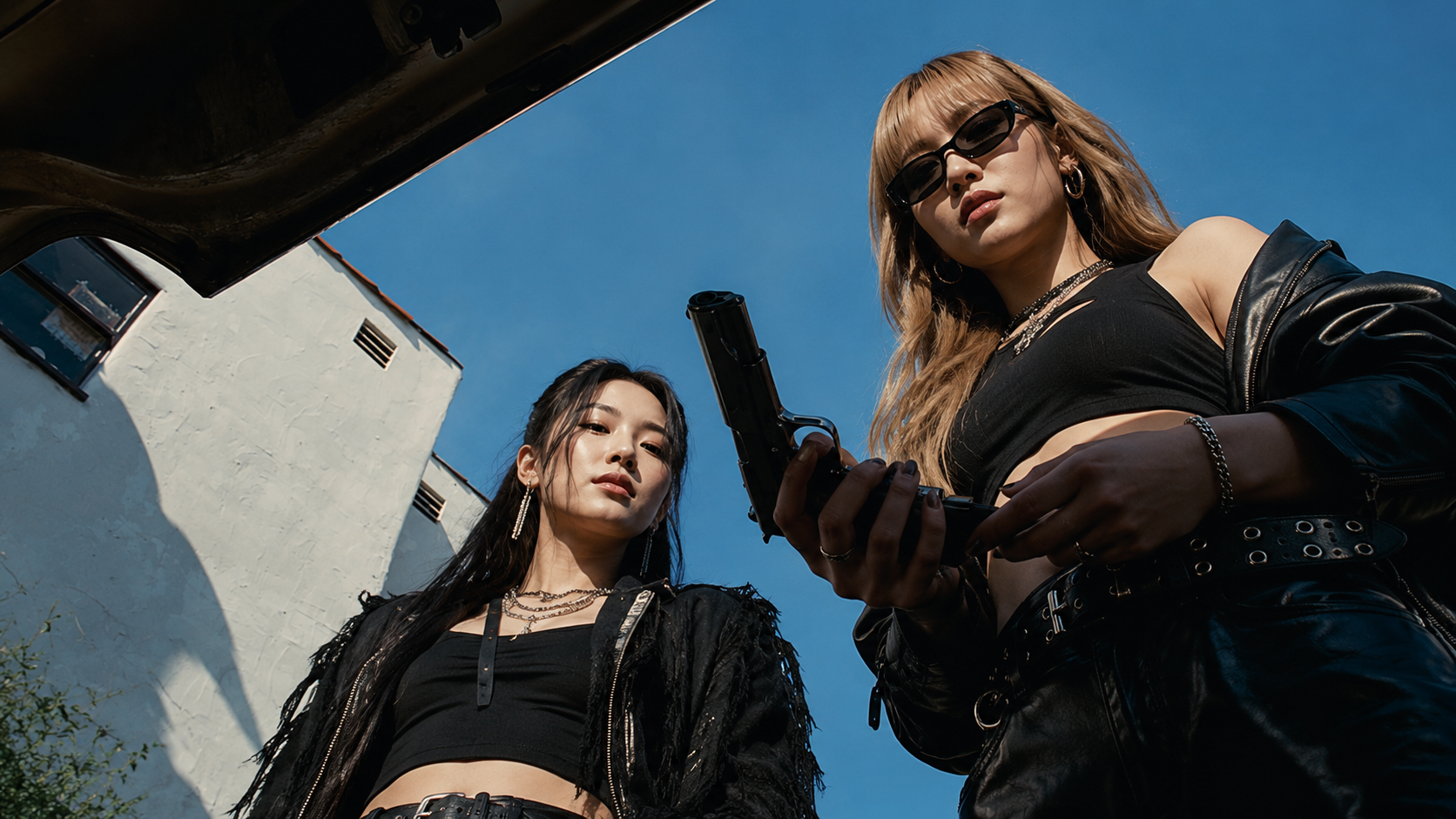
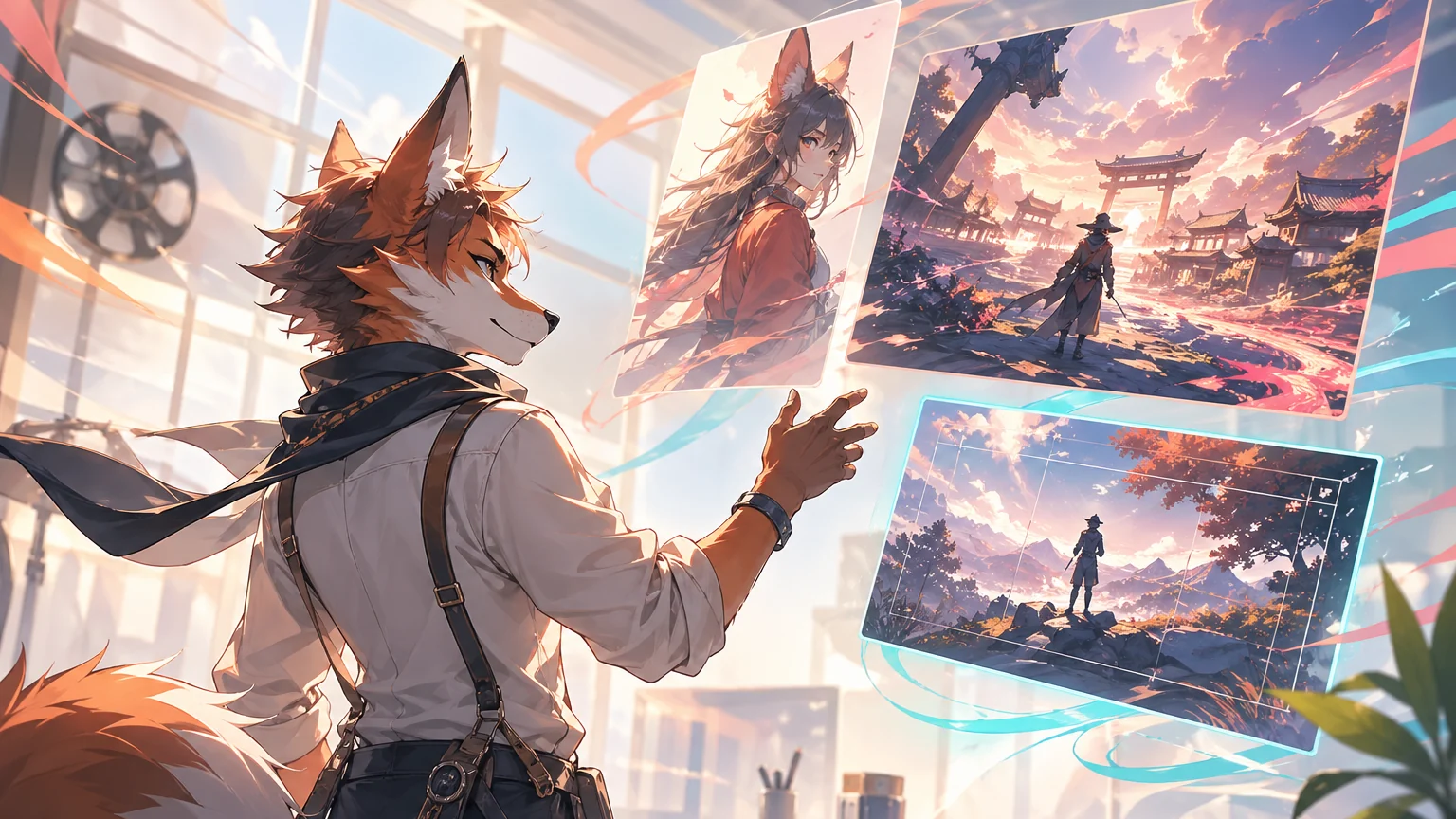
Replace, edit or regenerate individual frames without restarting the entire process, putting absolute creative control back in your hands.

Try It Now

What You Can Create

Discover More Resources

View All
How to Turn a Script into Video with AI: From Storyboard to Final Cut

How to Turn a Script into Video with AI: From Storyboard to Final Cut

Use Arcloop AI to turn a simple idea into story, characters, storyboards, generated video, and final edits in four steps.

Using Hollywood Screenplay Format to Improve AI Script Breakdown

Using Hollywood Screenplay Format to Improve AI Script Breakdown

Using Hollywood Screenplay Format to Improve AI Script Breakdown explains a practical Arcloop workflow for story-first AI video creation, from planning context to reus...

DeepSeek V4 for AI Drama Script Breakdown

DeepSeek V4 for AI Drama Script Breakdown

DeepSeek V4 for AI Drama Script Breakdown explains a practical Arcloop workflow for story-first AI video creation, from planning context to reusable production assets.

How to Create Your First Episode on Arcloop

How to Create Your First Episode on Arcloop

Tired of writing complex prompts? Creating AI video should not feel like fighting with instructions. With Arcloop, just describe the idea, feeling, or moment in simple...

Arcloop Storyboard Generator: From Episode to Visual Shots

Arcloop Storyboard Generator: From Episode to Visual Shots

Arcloop Storyboard Generator: From Episode to Visual Shots explains a practical Arcloop workflow for story-first AI video creation, from planning context to reusable p...

Smart Shot Planning in Arcloop: How to Plan Shots Efficiently

Smart Shot Planning in Arcloop: How to Plan Shots Efficiently

Smart Shot Planning in Arcloop: How to Plan Shots Efficiently explains a practical Arcloop workflow for story-first AI video creation, from planning context to reusabl...

How to Keep Anime Characters Consistent in AI Video Generation

How to Keep Anime Characters Consistent in AI Video Generation

How to Keep Anime Characters Consistent in AI Video Generation explains a practical Arcloop workflow for story-first AI video creation, from planning context to reusab...

GPT Image 2 for AI Drama: How to Create Consistent Visual Assets

GPT Image 2 for AI Drama: How to Create Consistent Visual Assets

GPT Image 2 for AI Drama: How to Create Consistent Visual Assets explains a practical Arcloop workflow for story-first AI video creation, from planning context to reus...

How to Make Viral AI Fruit Videos: 4 Simple Steps to Create Stories in Minutes (2026)

How to Make Viral AI Fruit Videos: 4 Simple Steps to Create Stories in Minutes (2026)

Make viral AI fruit videos in minutes! Use Arcloop AI’s drama generator to build unique characters and engaging storylines. No prompting or editing skills required. Start crafting your own hit content for TikTok and YouTube right now!

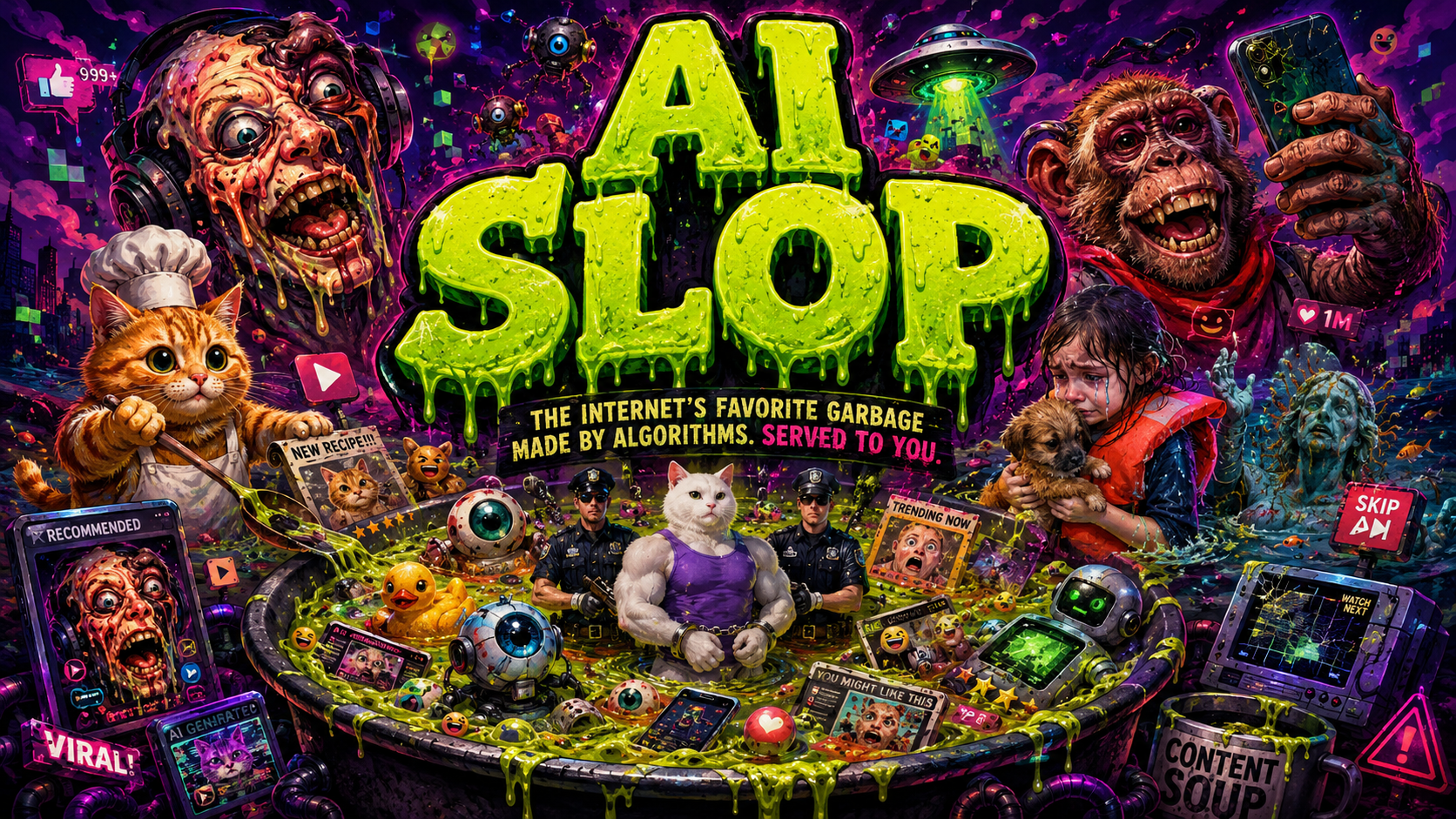
How to Make AI Videos That Don’t Look Like AI Slop

How to Make AI Videos That Don’t Look Like AI Slop

Tired of generic, low-quality AI videos? Learn how to avoid AI slop by moving beyond prompts. Discover a professional workflow for developing original stories, maintaining character consistency, and directing your AI video projects for cinematic, high-quality results.

How to Turn a Script into Video with AI: From Storyboard to Final Cut

How to Turn a Script into Video with AI: From Storyboard to Final Cut

Turn scripts, novels, or chat logs into narrated videos with Arcloop’s AI Script to Video Generator. Get scene visuals, voiceover, captions, and music in minutes.

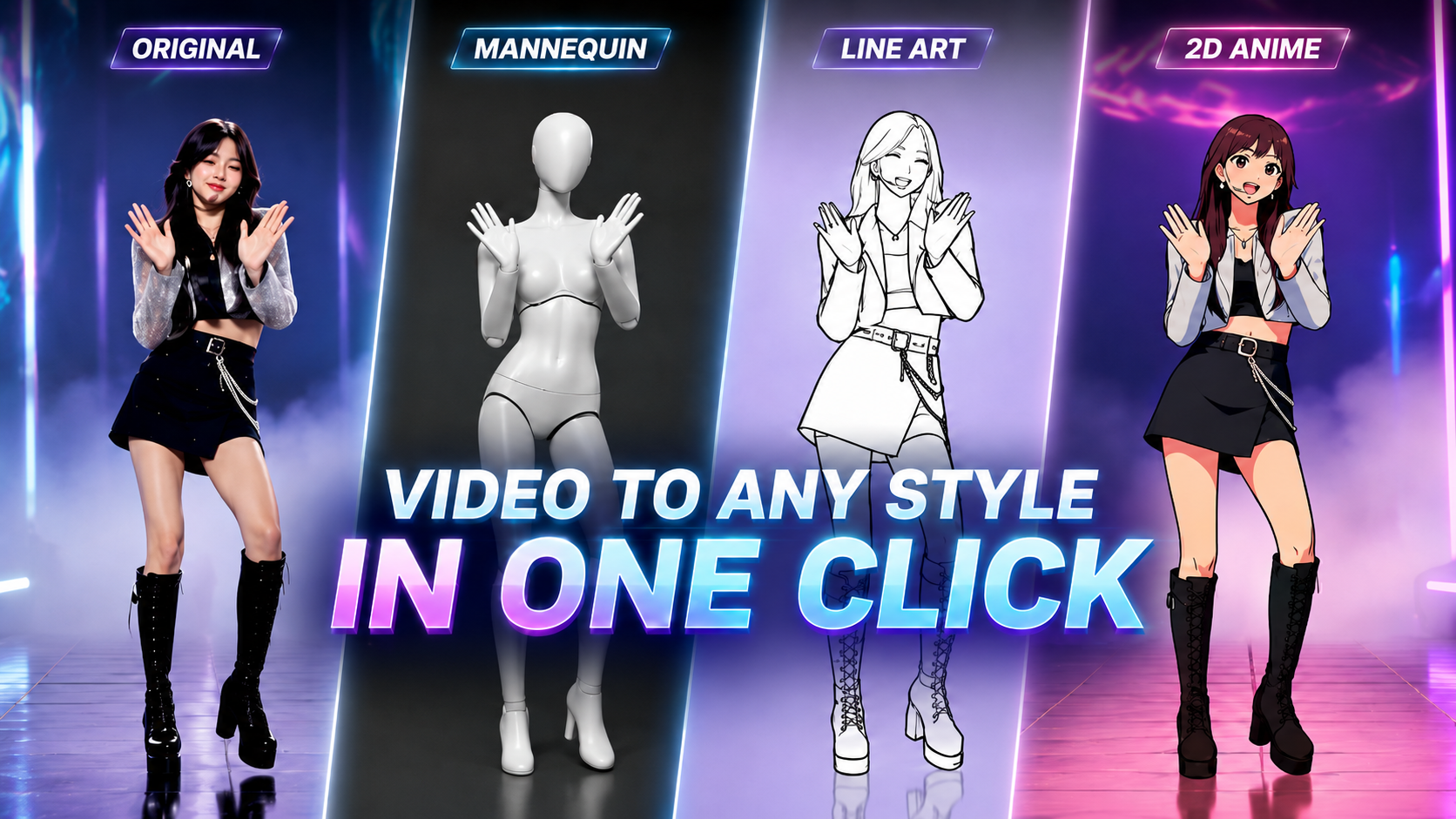
How to Rotoscope with AI: 4 Steps to Make Rotoscope Videos from Real Motion

How to Rotoscope with AI: 4 Steps to Make Rotoscope Videos from Real Motion

Want to turn real motion into eye-catching rotoscope videos in minutes? Explore 3+ Rotoscope Presets from Arcloop AI. No complex prompting or editing skills required.

How to Build Personal IP Projects in Arcloop: A Step-by-Step Guide

How to Build Personal IP Projects in Arcloop: A Step-by-Step Guide

How to Build Personal IP Projects in Arcloop: A Step-by-Step Guide explains a practical Arcloop workflow for story-first AI video creation, from planning context to re...

How to Create Your Story in Arcloop: Complete Tutorial

How to Create Your Story in Arcloop: Complete Tutorial

How to Create Your Story in Arcloop: Complete Tutorial explains a practical Arcloop workflow for story-first AI video creation, from planning context to reusable produ...

Step-by-Step Guide: How to Create Episode in Arcloop

Step-by-Step Guide: How to Create Episode in Arcloop

Step-by-Step Guide: How to Create Episode in Arcloop explains a practical Arcloop workflow for story-first AI video creation, from planning context to reusable product...

How to Edit AI-Generated Videos in Arcloop: Tips & Best Practices

How to Edit AI-Generated Videos in Arcloop: Tips & Best Practices

How to Edit AI-Generated Videos in Arcloop: Tips & Best Practices explains a practical Arcloop workflow for story-first AI video creation, from planning context to reu...

The Best Way to Manage Your AI Generated Assets: Characters, Scenes, and Props

The Best Way to Manage Your AI Generated Assets: Characters, Scenes, and Props

The Best Way to Manage Your AI Generated Assets: Characters, Scenes, and Props explains a practical Arcloop workflow for story-first AI video creation, from planning c...

How to Organize and Access Your Content in Arcloop?

How to Organize and Access Your Content in Arcloop?

How to Organize and Access Your Content in Arcloop? explains a practical Arcloop workflow for story-first AI video creation, from planning context to reusable producti...

Image Editing: Enhance and Customize Your Visuals

Image Editing: Enhance and Customize Your Visuals

Image Editing: Enhance and Customize Your Visuals explains a practical Arcloop workflow for story-first AI video creation, from planning context to reusable production...

Create Better AI Videos with Arcloop Canvas: A Visual Workspace for Creative Production

Create Better AI Videos with Arcloop Canvas: A Visual Workspace for Creative Production

Meet Arcloop Canvas, a limitless visual workspace for AI creative production. Bring images, videos, audio, and story assets onto one canvas, and build your next idea with...

Anime OC Maker for AI Short Series

Anime OC Maker for AI Short Series

Anime OC Maker for AI Short Series explains a practical Arcloop workflow for story-first AI video creation, from planning context to reusable production assets.

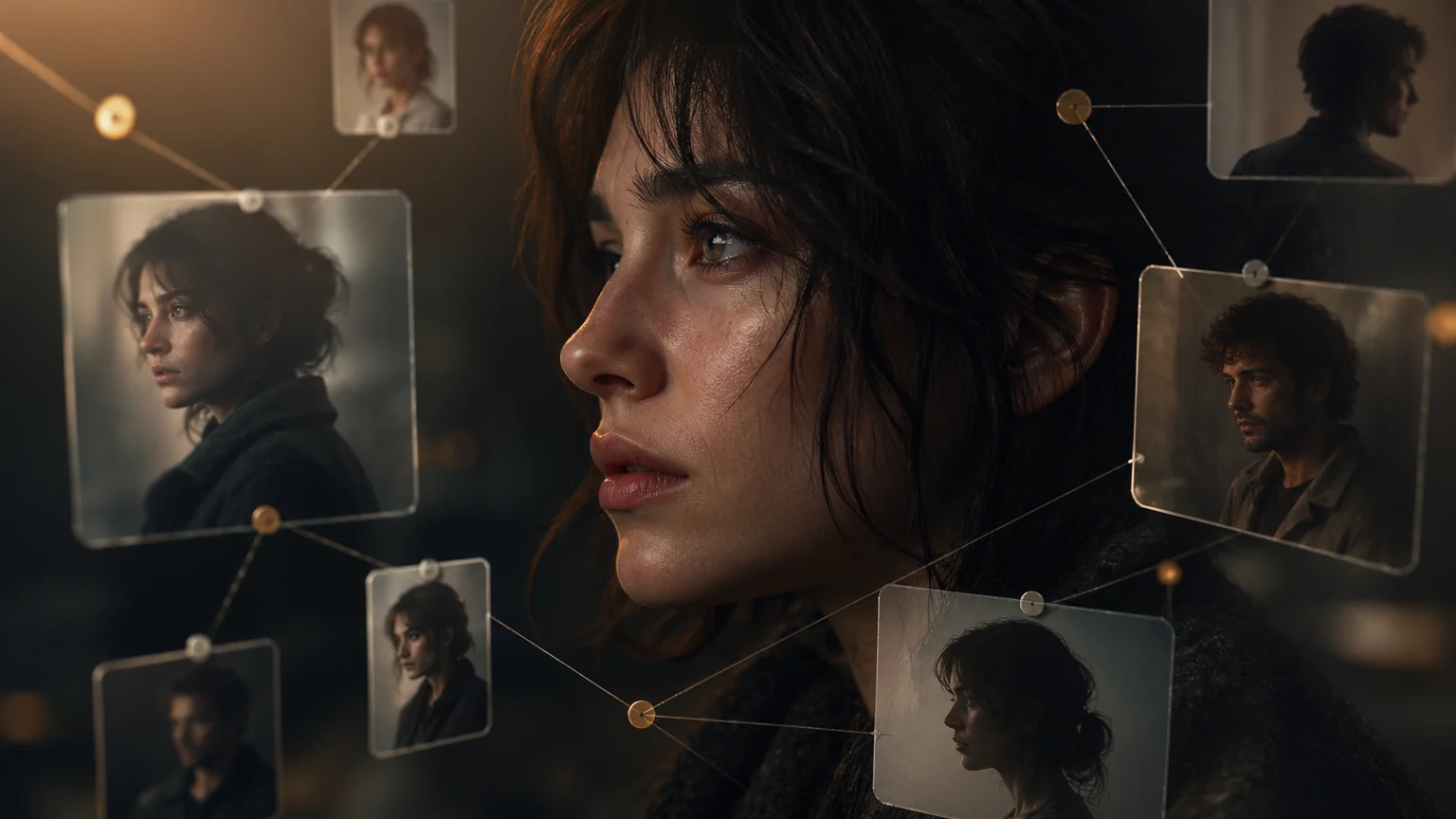
AI Character Bible for Drama Production: How to Build and Use It

AI Character Bible for Drama Production: How to Build and Use It

AI Character Bible for Drama Production: How to Build and Use It explains a practical Arcloop workflow for story-first AI video creation, from planning context to reus...

How to Guide Shots with the Camera Movement (Prompt Guides)

How to Guide Shots with the Camera Movement (Prompt Guides)

How to Guide Shots with the Camera Movement (Prompt Guides) explains a practical Arcloop workflow for story-first AI video creation, from planning context to reusable ...

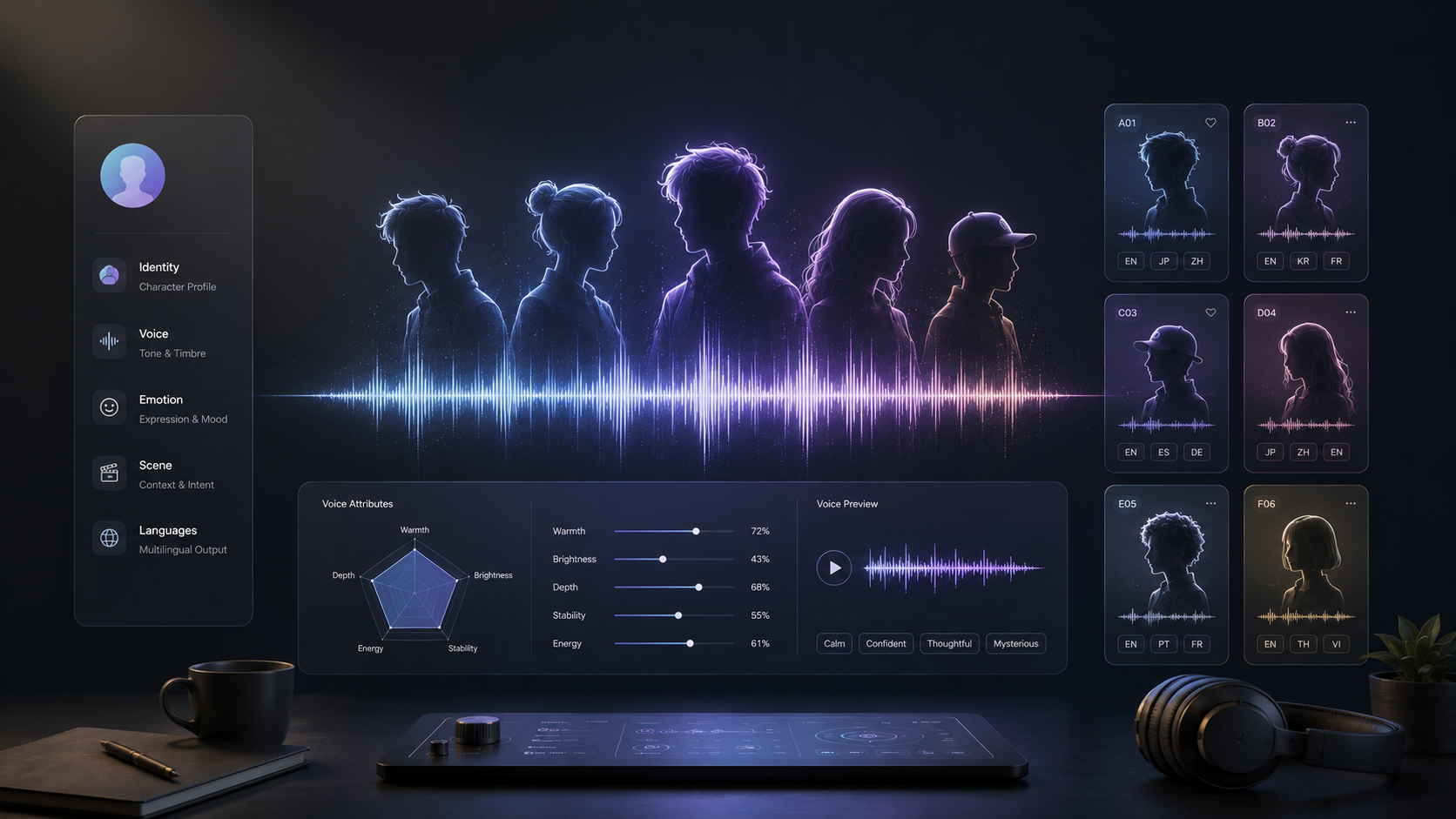
How to Sculpt an AI Character Voice: 20 Editable Character Card Templates

How to Sculpt an AI Character Voice: 20 Editable Character Card Templates

A practical character-card method plus 20 editable AI voice templates for reusable character voices.

Seedream 5 Pro vs. Lite: Is the Upgrade Worth It for Your Workflow?

Seedream 5 Pro vs. Lite: Is the Upgrade Worth It for Your Workflow?

A side-by-side performance breakdown of Seedream 5 Lite and Pro. Learn which model matches your production stage—from rapid ideation to final commercial delivery.

Seed Audio 1.0 vs ElevenLabs for AI Drama Dubbing: Which Model to Use

Seed Audio 1.0 vs ElevenLabs for AI Drama Dubbing: Which Model to Use

AI drama voices often sound flat, fake, or detached from the character. Compare Seed Audio 1.0 and ElevenLabs across short-drama dubbing scenes, learn how to write voice prompts, choose the right model, and turn demos into reusable character voice assets.

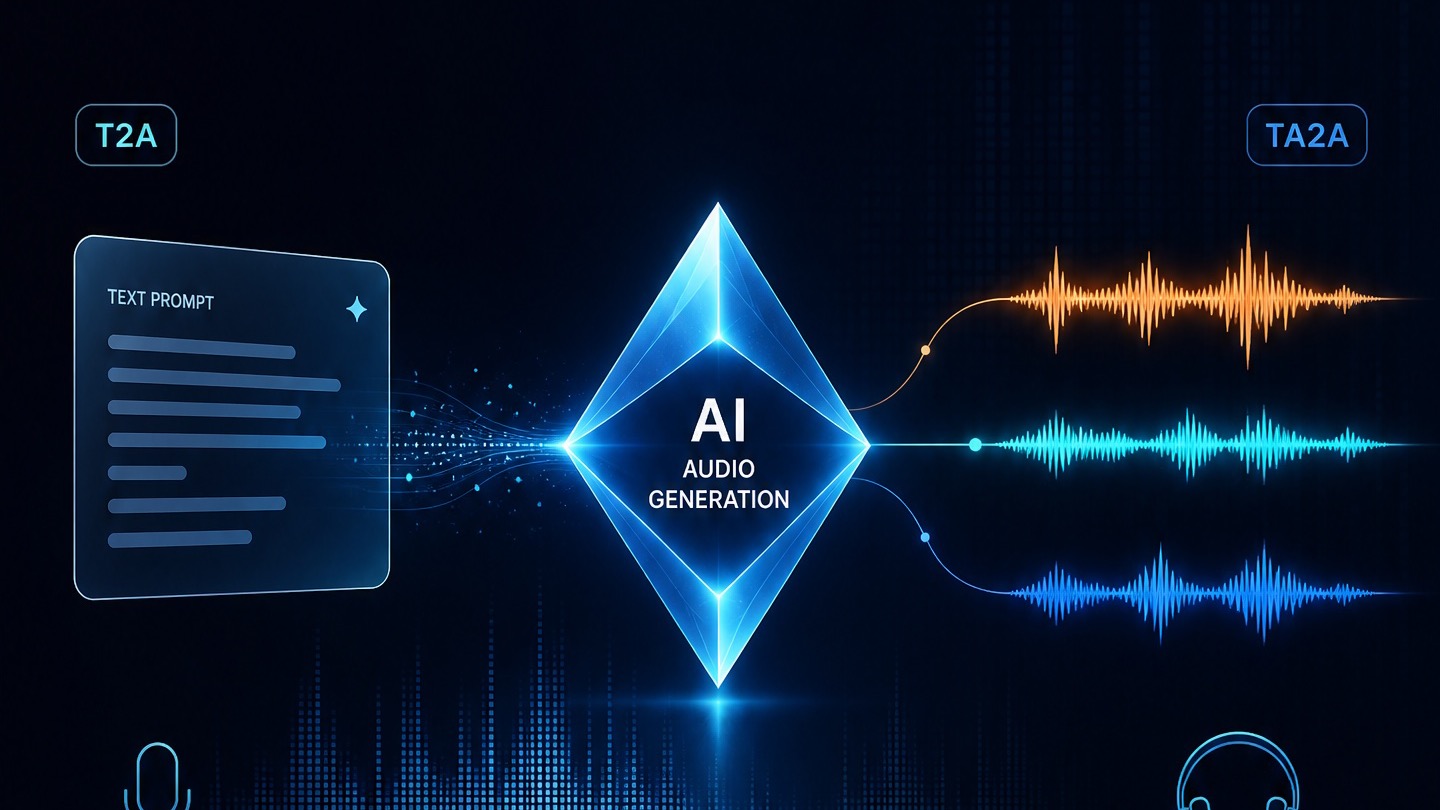
Doubao Audio Generation Model 1.0 Prompt Guide: T2A/TA2A Tips and Templates

Doubao Audio Generation Model 1.0 Prompt Guide: T2A/TA2A Tips and Templates

Write characters, dialogue, SFX, ambience, and music into one timeline so Doubao Audio 1.0 behaves more like a sound director than a reader.

Frequently Asked Questions

How do I turn a script into a video with Arcloop?

Paste or upload your script, then let Arcloop break it into scenes and generate the first video draft. You can review the characters, visuals, voiceovers, and individual clips before editing or exporting.

What types of scripts can I use?

You can paste your script directly or upload a .docx, .txt, .pdf, or .md file. Arcloop supports screenplays, dialogue scripts, short stories, novels, blog posts, and other written content. Longer scripts are automatically broken into multiple scenes.

What is the difference between script-to-video and text-to-video AI?

Text-to-video generates a clip from a short prompt. Script-to-video follows a structured script, using its scenes, dialogue, characters, and pacing to build a complete multi-scene video.

What aspect ratios does the script-to-video tool support?

You can create videos in vertical 9:16, square 1:1, and landscape 16:9 for platforms such as TikTok, Instagram, YouTube, and LinkedIn.

Can I edit the video before exporting it?

Yes. You can review the generated scenes, replace or regenerate individual clips, adjust voiceovers, add background music, and make further edits without recreating the entire video.

Does Arcloop support multiple languages?

Yes. Arcloop supports multiple languages for script creation, voiceovers, and video localization. Available language features may vary by voice and generation model.

READY TO CREATE YOUR NEXT VIDEO STORY?

Take your script, ideas, or stories further with powerful AI creation tools. Build, edit, and share your vision your way.